
Voices and rotation modes
This page lists every supported voice, the order of the Voice menu, and the exact rules of the six rotation modes.
Voice engines
Section titled “Voice engines”A voice engine makes a set of voices on your Mac. This table compares the engines. For what the engines are and how to choose a voice, see Voices and voice engines.
| Property | Piper | Kokoro |
|---|---|---|
| Voices | 5 | 28 |
| Menu name | The name part of the file name, such as lessac | The part of the id after the underscore, with the gender, such as Heart (female) |
| Quality label | The quality in the voice’s config file: medium for every voice | A letter grade from the model’s VOICES.md file, from A down to F+ |
Kokoro voices
Section titled “Kokoro voices”The first letter of an id gives the language: a is en-US, and b is en-GB. The second letter gives the gender: f is female, and m is male. This table lists the voices in menu order.
| Voice | Id | Language | Grade |
|---|---|---|---|
| Heart (female) | af_heart |
en-US | A |
| Bella (female) | af_bella |
en-US | A- |
| Emma (female) | bf_emma |
en-GB | B- |
| Nicole (female) | af_nicole |
en-US | B- |
| Aoede (female) | af_aoede |
en-US | C+ |
| Fenrir (male) | am_fenrir |
en-US | C+ |
| Kore (female) | af_kore |
en-US | C+ |
| Michael (male) | am_michael |
en-US | C+ |
| Puck (male) | am_puck |
en-US | C+ |
| Sarah (female) | af_sarah |
en-US | C+ |
| Alloy (female) | af_alloy |
en-US | C |
| Fable (male) | bm_fable |
en-GB | C |
| George (male) | bm_george |
en-GB | C |
| Isabella (female) | bf_isabella |
en-GB | C |
| Nova (female) | af_nova |
en-US | C |
| Sky (female) | af_sky |
en-US | C- |
| Lewis (male) | bm_lewis |
en-GB | D+ |
| Alice (female) | bf_alice |
en-GB | D |
| Daniel (male) | bm_daniel |
en-GB | D |
| Echo (male) | am_echo |
en-US | D |
| Eric (male) | am_eric |
en-US | D |
| Jessica (female) | af_jessica |
en-US | D |
| Liam (male) | am_liam |
en-US | D |
| Lily (female) | bf_lily |
en-GB | D |
| Onyx (male) | am_onyx |
en-US | D |
| River (female) | af_river |
en-US | D |
| Santa (male) | am_santa |
en-US | D- |
| Adam (male) | am_adam |
en-US | F+ |
Piper voices
Section titled “Piper voices”The Piper voices are all medium quality. The Voice menu shows their names in lower case, as the file names give them. Each voice is two files: the file name plus .onnx, and the file name plus .onnx.json. The gender labels come from upstream, and the project has not checked them by ear.
| Voice | File name | Language | Quality | Gender label |
|---|---|---|---|---|
| alan | en_GB-alan-medium |
en-GB | medium | male |
| amy | en_US-amy-medium |
en-US | medium | female |
| jenny_dioco | en_GB-jenny_dioco-medium |
en-GB | medium | female |
| lessac | en_US-lessac-medium |
en-US | medium | female |
| ryan | en_US-ryan-medium |
en-US | medium | male |
Menu order and the default voice
Section titled “Menu order and the default voice”Each voice engine has a heading in the Voice menu. The headings are labels, not choices. The menu sorts the voices by these keys, in this order.
| Sort key | Rule |
|---|---|
| Engine | Kokoro first, then Piper. |
| Grade | The best grade first. Kokoro grades run from A down to F+. Piper qualities run from high to medium, low, and x_low. A voice with no grade comes last. |
| Name | Voices with the same grade sort by name, ignoring case. |
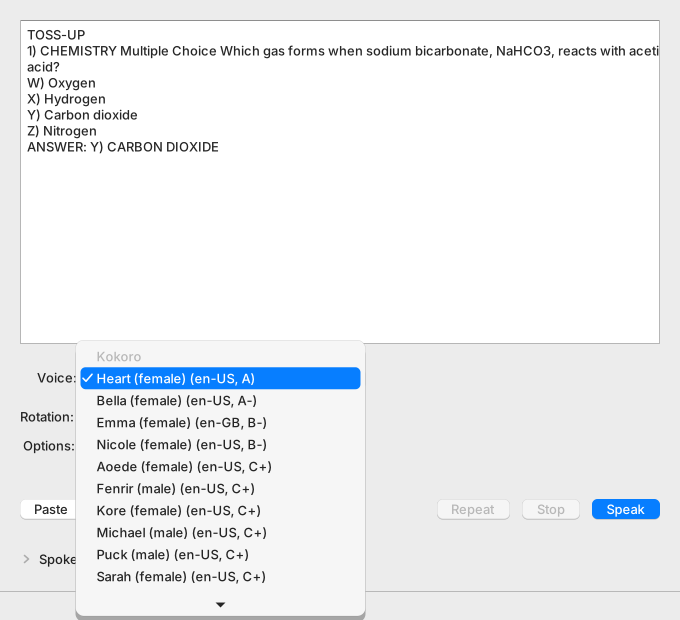
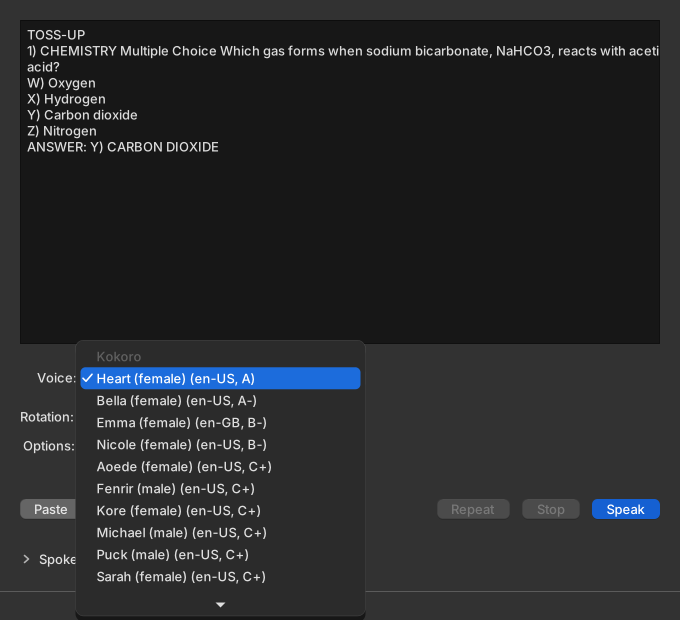
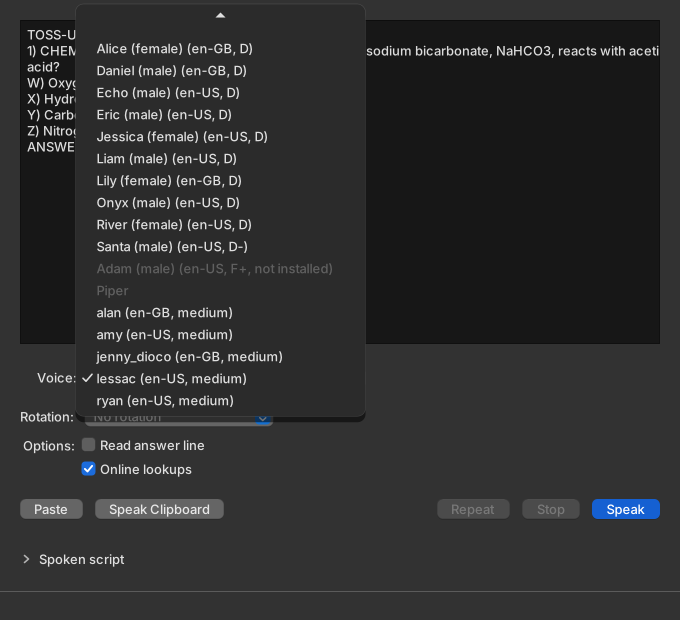
Each row reads name (language, quality). A voice that is not installed is dimmed, cannot be chosen, and adds “not installed” to its row. These rows are examples.
| Row | Example |
|---|---|
| An installed Kokoro voice | Heart (female) (en-US, A) |
| An installed Piper voice | lessac (en-US, medium) |
| A Kokoro voice that is not installed | Bella (female) (en-US, A-, not installed) |
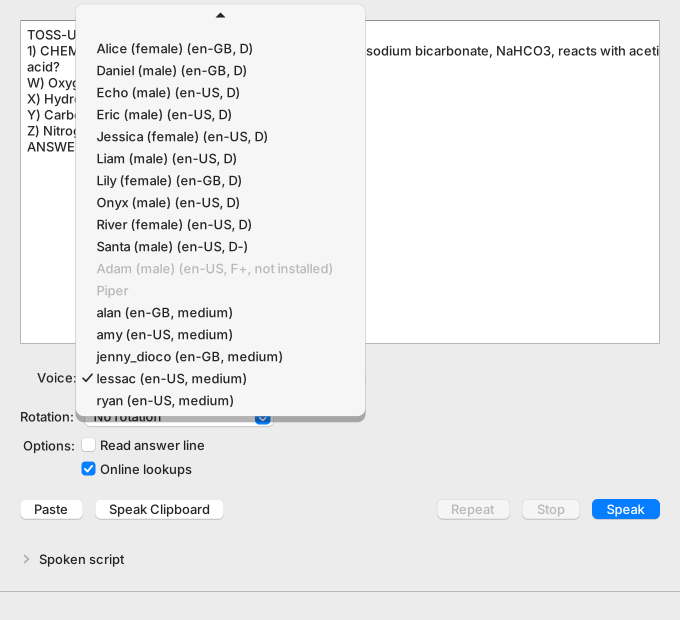
Kokoro lists every voice once its model files are installed and pass the SHA-256 check. Piper lists a voice only when both of its files exist.
At each start, the app selects the voice that you chose last, if it is installed. Otherwise it selects the first installed voice in the menu. The app saves a voice only when you choose it, so a finished voice download can move an automatic selection to a better voice.
| Situation at the start | Selected voice |
|---|---|
| You chose a voice before, and it is installed | That voice |
| No saved choice, and every voice is installed | Heart (female) (en-US, A) |
| No saved choice, and only Piper voices are installed | alan (en-GB, medium) |
To download missing voices or add a Piper voice, see Manage voices and storage.
Rotation modes
Section titled “Rotation modes”Rotation chooses how Speak and Speak Clipboard pick the voice for each reading. The app saves the mode between launches. A mode picks from its pool, the installed voices that qualify. For a guided lesson, see Practice with voice rotation.
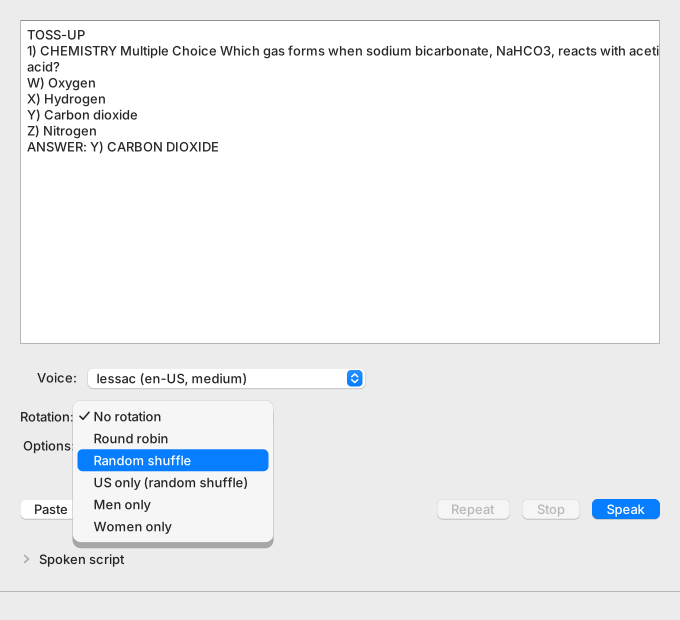
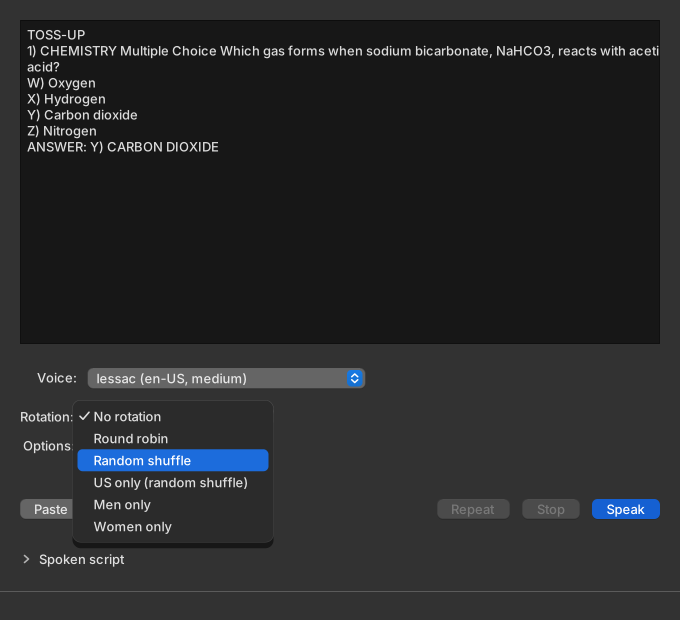
The last column counts the voices in the pool when every voice is installed.
| Mode | The next voice is | Voices in the pool |
|---|---|---|
| No rotation | The voice in the Voice menu, with the number in the Speaker box. | Not used |
| Round robin | The voice after the last one used, in menu order. After the last voice comes the first. | 33 |
| Random shuffle | The next voice from a shuffled deck of the pool. | 33 |
| US only (random shuffle) | The next voice from a shuffled deck of the en-US voices in the pool. | 23 |
| Men only | The next voice from a shuffled deck of the voices labeled male. | 15 |
| Women only | The next voice from a shuffled deck of the voices labeled female. | 18 |
Round robin takes the first voice of the pool when no voice was used yet, or when the last voice left the pool. With every voice installed, that voice is the first voice in the menu, Heart (female) (en-US, A).
The four shuffle modes deal a deck, which is the pool voices in random order. No voice repeats until the deck is empty. Each deck opens with a voice other than the one used last, when the pool has two or more voices.
Which voices rotate
Section titled “Which voices rotate”A voice joins the pool when it meets all four conditions:
- It is installed.
- It has exactly one speaker.
- It is an English voice with a known gender. Every Kokoro voice qualifies, because its id gives the gender. Of the Piper voices, only the voices in the Piper table above qualify.
- It fits the mode. US only (random shuffle) needs en-US, Men only needs male, and Women only needs female.
The pool keeps the menu order and counts each voice once. The app rebuilds the pool from the voice list at the start of every reading.
A Piper voice that you add by hand never rotates, because the app knows no gender for it. A voice with several speakers, or in a language other than English, never rotates either.
When rotation moves on
Section titled “When rotation moves on”This table lists what moves rotation and what leaves it alone.
| Event | What happens |
|---|---|
| A reading starts | Rotation picks the next voice, after three checks pass. A voice is selected, no reading is in preparation, and the question box has text. |
| Rotation picks a voice | The Voice menu and the Speaker box stay as you set them. Rotation uses only single-speaker voices, so it sends no speaker number. The status bar names the voice: “Preparing with Daniel (male)…”, then “Playing 32.7 s with Daniel (male).” |
| A reading fails after the pick | The voice still counts as used. |
| You press Repeat | Rotation does not move. The stored audio plays again, so it keeps the voice of the last reading. |
| You change the mode | The app drops the current deck and keeps the last voice used. Round robin continues after that voice, and the next deck opens with a different voice. |
| The voice list changes, for example after a voice download | A voice that left the pool drops out of the current deck. A voice that joined the pool waits for the next deck. |
| You quit the app | The deck and the last voice are lost. The mode is saved. |
When no voice fits
Section titled “When no voice fits”When no installed voice fits the mode, the pool is empty. The reading then uses the voice and the speaker that you chose in the Voice menu. The status bar shows this warning while the reading prepares, and it stays after the sound ends:
No installed voice matches “Men only”; using the selected voice.The text names the mode that found no voice. For example, Men only finds no voice when every installed voice is labeled female. This can happen during the first voice download, when only the first voice to arrive is installed. A warning about the reading itself replaces this message.